
Chrome extension
Ollama Pacer
The weekly quota is generous — which is exactly why seeing what's left puts your mind at ease.
Who it’s for
- Ollama Cloud users on a weekly (7-day) reset window
- Anyone who hates hitting rate limits halfway through the week
- People tired of doing the math from dashboard numbers
What you get
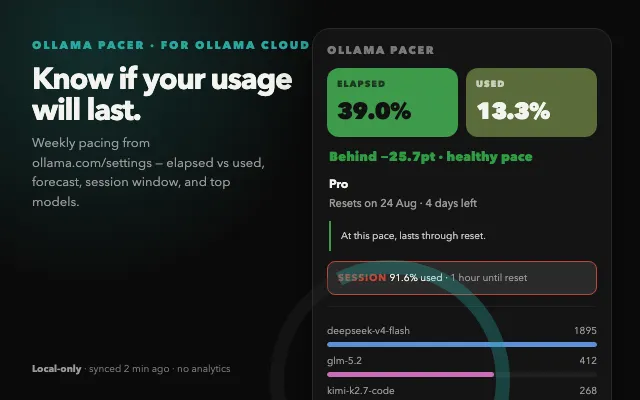
- Toolbar badge showing remaining %, pace delta, or used % (switchable)
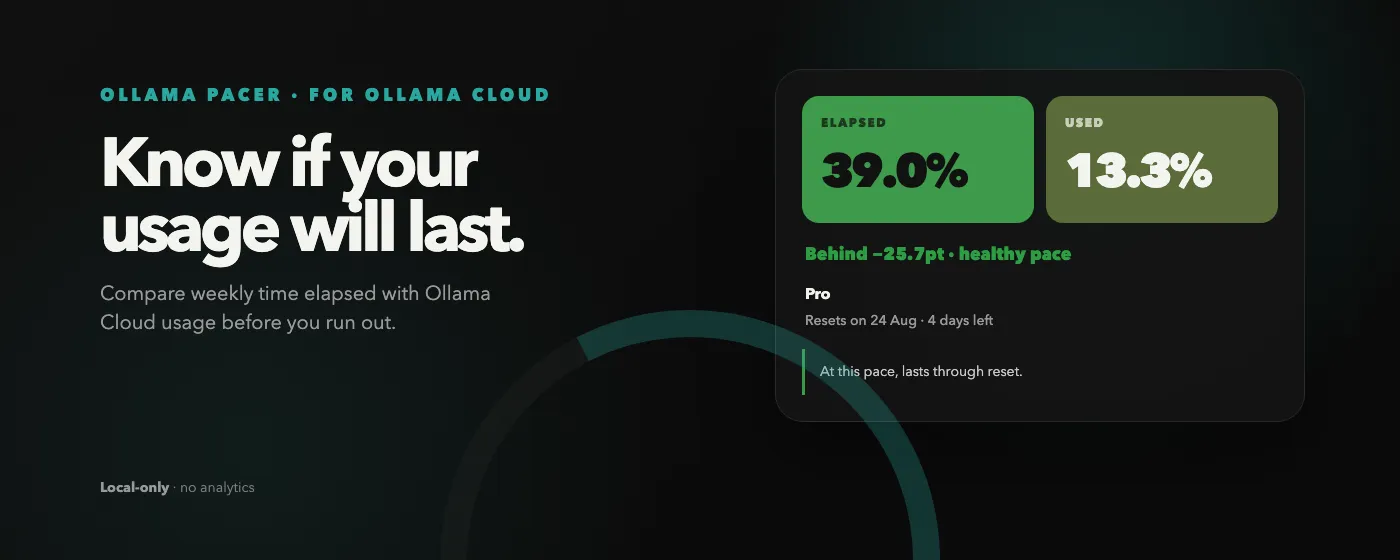
- Popup comparing ELAPSED time vs USED quota side by side
- Forecast that says whether your pace lasts until reset
- Session window (~5h) as a mini-card, turning red when it's burning too fast
- Per-model request bars for the weekly window (Top 5 + Other)
- Reuses your existing ollama.com session (no extra login)
- Local-only: no backend, no analytics
FAQ
- Does it send my data anywhere?
- No. It only displays the usage summary Ollama Cloud returns and stores it locally. No backend, no analytics.
- Do I need to log in to ollama.com?
- No. It uses the ollama.com session you're already logged into. No extra login or API key.
- What's the difference between the weekly and session windows?
- Ollama Cloud has a session window (resets roughly every 5 hours) and a weekly window (resets every 7 days). The weekly window is generous, so you rarely hit a wait even with heavy use. Ollama Pacer paces against the weekly window and shows the session window as a secondary mini-card.
- Can the toolbar icon show the session window too?
- The icon currently shows the weekly elapsed ring. If many users want to switch it to the session window (~5h) as well, we'll consider adding that in a future update.
- Which plans are supported?
- Works with Ollama Cloud plans whose settings page shows usage. Verified with the Pro plan.